

dev.client
Configure the client code injected by Rsbuild during the development process. This can be used to set the WebSocket URL for HMR.
- Type:
- Default:
Configure WebSocket URL
By default, when you start the dev server and visit the http://localhost:3000/, a WebSocket request is made to ws://localhost:3000/rsbuild-hmr, establishing a connection between the page and the dev server.
In some development scenarios, you may need to adjust the WebSocket URL to ensure that the WebSocket request can connect correctly.
For example, if you are developing using a proxy tool, you may actually be accessing an online domain. In this case, you can manually configure dev.client to point the WebSocket URL to your local dev server. Below is an example where the WebSocket request URL is ws://127.0.0.1:3000/rsbuild-hmr:
Port placeholder
The port number that Rsbuild server listens on may change. For example, if the port is in use, Rsbuild will automatically increment the port number until it finds an available port.
To avoid client.port becoming invalid due to port changes, you can use one of the following methods:
- Enable server.strictPort.
- Use the
<port>placeholder to refer to the current port number. Rsbuild will replace the placeholder with the actual port number it is listening on.
hot-update files
During the HMR process, the page will make GET requests to get hot-update files, including *.hot-update.json and *.hot-update.js. These files contain the necessary information for hot updates, such as the updated modules and their code.
Hot-update files are considered to be static assets. If you need to configure the URL for hot-update files, please use the dev.assetPrefix option.
Options
overlay
The dev.client.overlay option allows you to choose whether or not to enable the error overlay feature.
By default, Rsbuild will display an error overlay in the browser when a compilation error occurs, providing error messages and stacks:
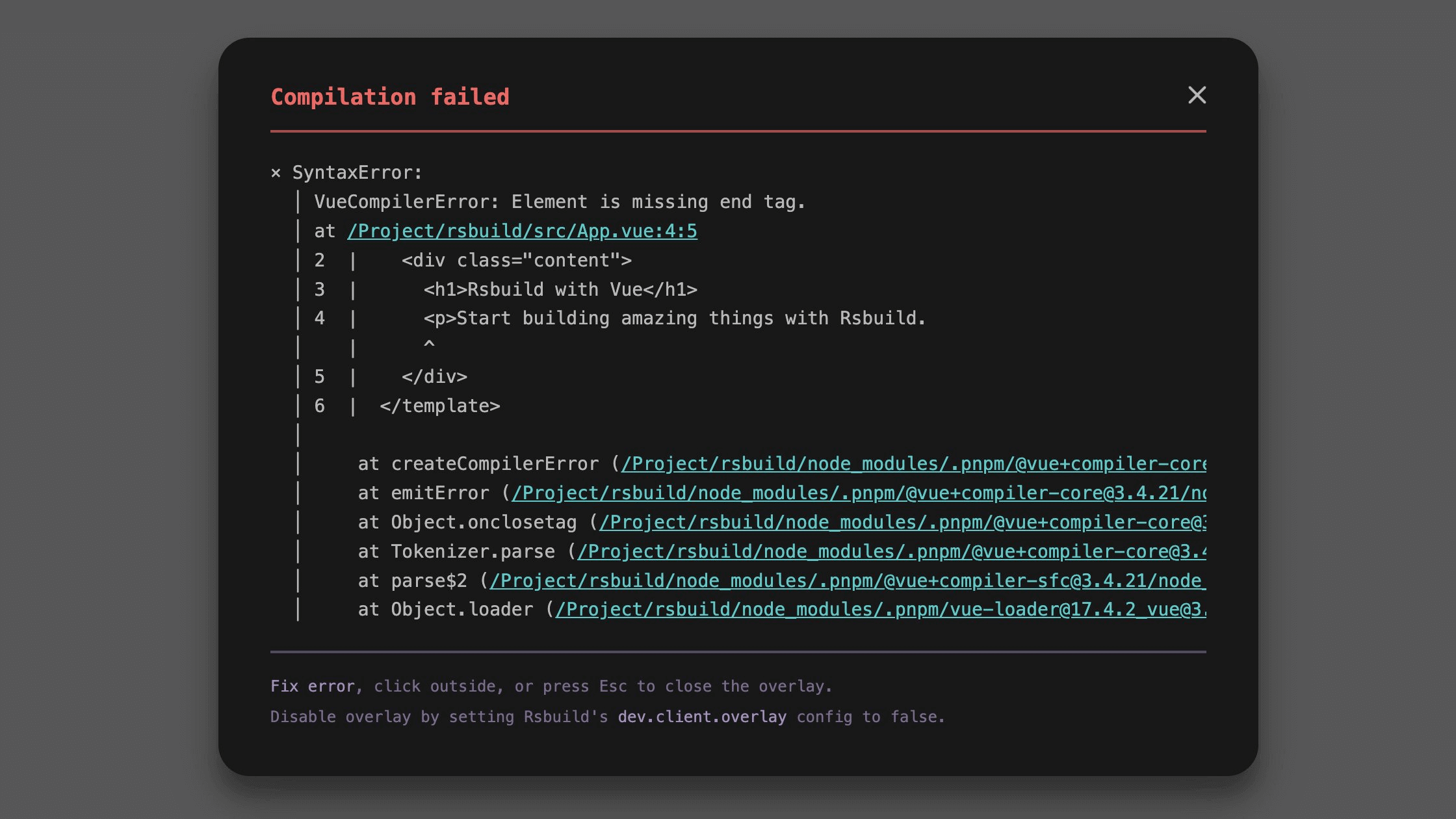
To disable the error overlay, set it to false:
The error overlay feature requires the current browser to support Web Components. If the browser does not support it, the overlay will not be displayed.
logLevel
- Type:
'info' | 'warn' | 'error' | 'silent' - Default: Inherits from root logLevel, defaults to
info
The dev.client.logLevel option controls the log level for Rsbuild's client-side messages in the browser console.
Optional values:
'info'- Shows all messages (default).'warn'- Shows warnings and errors only.'error'- Shows only errors.'silent'- Suppresses all Rsbuild client logs.
reconnect
- Type:
number - Default:
100
Controls the maximum number of automatic reconnection attempts after the WebSocket connection is disconnected.
When the connection is lost, Rsbuild will retry the connection at increasing time intervals. Once the maximum number of attempts is reached, it will stop reconnecting. After a successful reconnection, HMR and related features will be restored automatically.
Setting this value to 0 disables automatic reconnection. In this case, the connection can only be restored by manually refreshing the page.